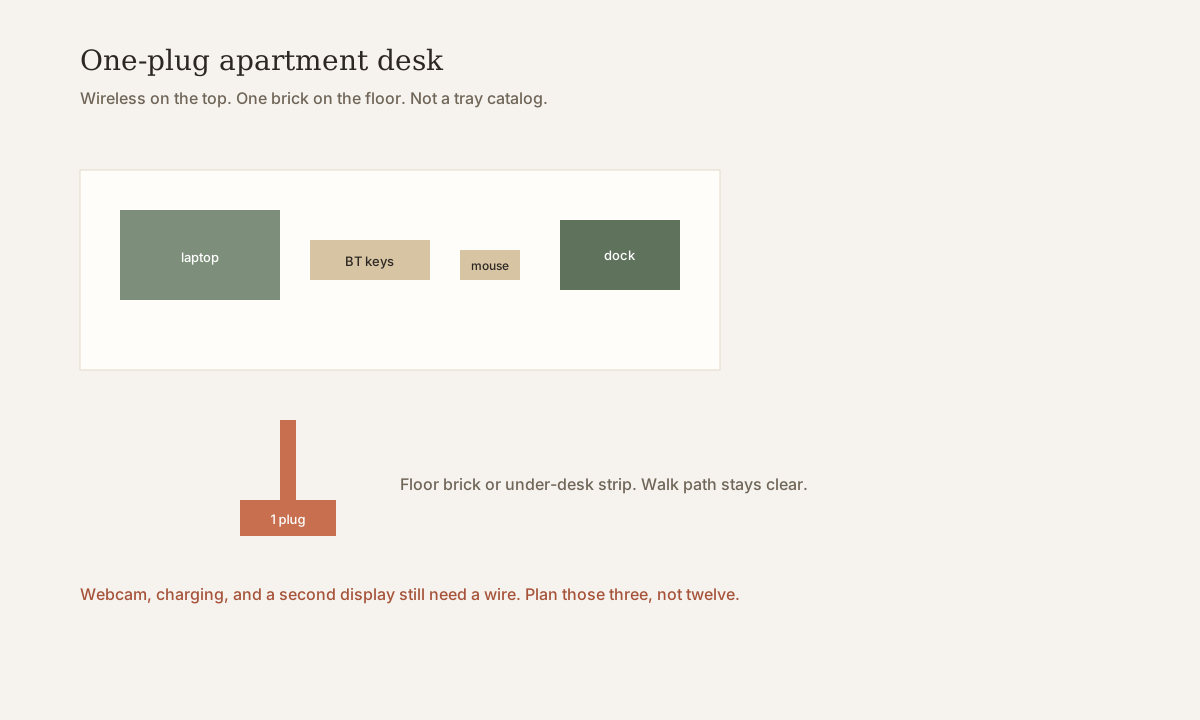
Cable-free apartment office: one plug
Cable management on a 31–39 in desk is about trays, clips, and keeping the walk path. This page is the other half: how to need almost no tray.
A small apartment desk can look wireless on top. It still has one honest plug. That is the goal — not a gadget list.
What “cable-free” means here
It does not mean no electricity. It means:
- The writing strip has no brick, no power strip, no snake of USB.
- Keys and mouse are Bluetooth (or 2.4 GHz dongle in the dock, not on the front edge).
- One charger or USB-C dock feeds the laptop.
- The remaining brick lives on the floor against the wall or under the unused rear third.
If you still have six wall warts, you have a tray problem. Go back to the management page.
The dock is the remaining cable
A USB-C dock (or a single high-watt charger plus a cheap hub) is the criteria object:
- Solves: one cable to the laptop; ports for a wired display or ethernet if you need them.
- Fits: a 16–24 in depth where the dock sits behind the sit-test, not in the notebook band — desk depth.
- Skip if: your laptop cannot charge and video over one C port. Then you still have two wires; plan them, do not pretend.
Search US listings for a dock that matches your laptop’s USB-C power profile. We do not invent a lab test or a ranked SKU for docks. If a named example appears at the end, it is a search class.
Three wires that stay
Be honest or the “wireless office” grows a second strip.
- Power. The one plug. Floor brick or a short under-desk run. Do not stretch a cable across the chair pocket.
- Webcam or headset. Many apartment calls still want a wire. Clamp the cam to the panel, not to a ring-light stand on the pillow line — webcam light.
- Overnight charging. Phone and buds charge in a caddy or on a nightstand, not on the writing strip.
A wired monitor is a fourth if you use one. An arm can lift the panel; the video cable should drop behind the desk, not across the front. See one monitor.
What to take off the desk
| Leave the top | Park elsewhere |
|---|---|
| Laptop, one notebook, mouse | Power brick, spare dongles |
| One lamp (clamp) | Phone charging brick |
| Optional dock behind the sit-test | Speakers with wall warts — use the laptop or BT |
Storage still matters. Vertical first — storage that frees 31–39 in. A tray is optional once the count is one brick.
Renter notes
You do not need to drill for a one-plug desk. A clamp lamp and a floor brick are enough. If you add a tray, prefer clamp over underside screws on a top you must return — clamp-only upgrades. Confirm your lease before anything that marks wood.
Skip if
- You run a desktop tower with a separate display, speakers, and a mic arm. That is a different cable budget.
- Your laptop needs two power bricks and you will not replace the charger.
- The only outlet is across a walk path and you refuse a longer, taped-down run along the baseboard.
One plug. A clear strip. The rest is habit.
Quick answers
Can a small apartment desk be wireless?
The top can be nearly cable-free: USB-C dock, Bluetooth keyboard and mouse, one floor plug. Power, a wired webcam, and overnight charging still need a place. That is a one-plug desk, not a miracle.
Do I still need a cable tray?
Only if more than one brick stays. If the dock is the only remaining wire, a floor plug or a short under-desk run beats a full tray on a 16–20 in top.
What still cannot go wireless?
DisplayPort or HDMI to a monitor, many webcams, and charging bricks. Plan those three. Do not add a speaker, lamp, and strip each with their own wall wart on the writing strip.
What to look for (named examples)
Criteria first, then our constraint scores. Public-spec examples so you can search a real listing — not Amazon stars, and not a claim that we sat in a lab with a dozen desks.
Disclosure. Outgoing links go to the maker’s search or a generic retailer search until a partner tag is connected. After that, some links may be affiliate links — we may earn a commission if you buy, at no extra cost to you. Rankings on this site are our constraint scores (depth, leftover width, clamp, renter risk, cable drop). They are not Amazon stars or scraped reviews. We do not invent first-person lab tests.
Category
USB-C dock / one-plug laptop hub
Our score 4.8 / 5 · depth 4 · width 5 · renter 5
- Solves: One cable to the laptop so the writing strip stays clear; extra ports sit behind the sit-test.
- Fits: A laptop that can charge and (if needed) drive a display over one USB-C port; dock parked at the rear, not in the notebook band.
- Skip if: Your laptop needs two power bricks, or the dock plus a factory 32 in stand still kills a 16 in depth.
Category search, not a ranked SKU. Match wattage and video to *your* laptop. Confirm the live listing.
Check the current listing · search “USB-C laptop dock charging”
IKEA
SIGNUM cable tray
Width 27.6 in (70 cm)
Our score 3.4 / 5 · depth 4 · width 4 · renter 2
- Solves: Gets the strip and brick off the writing surface and the walk path.
- Fits: Underside screws into a top you own (or already have permission to mark). About 27.6 in (70 cm) tray on an 31.5–39.4 in (80–100 cm) desk.
- Skip if: A rental top you must return unmarked and have no clamp tray as a substitute.
Public IKEA listing: SIGNUM cable tray, commonly ~27.6 in (70 cm). Measure underside screw line before you buy.
Check the current listing · search “IKEA SIGNUM cable tray”